When something breaks, users need to know immediately. A single in-app banner from Guidez eliminates a flood of panic tickets, angry emails, and confused churn. Communicate in real time, inside your product.
These are the obstacles holding back your product growth right now.
🚨
Outages create a support flood
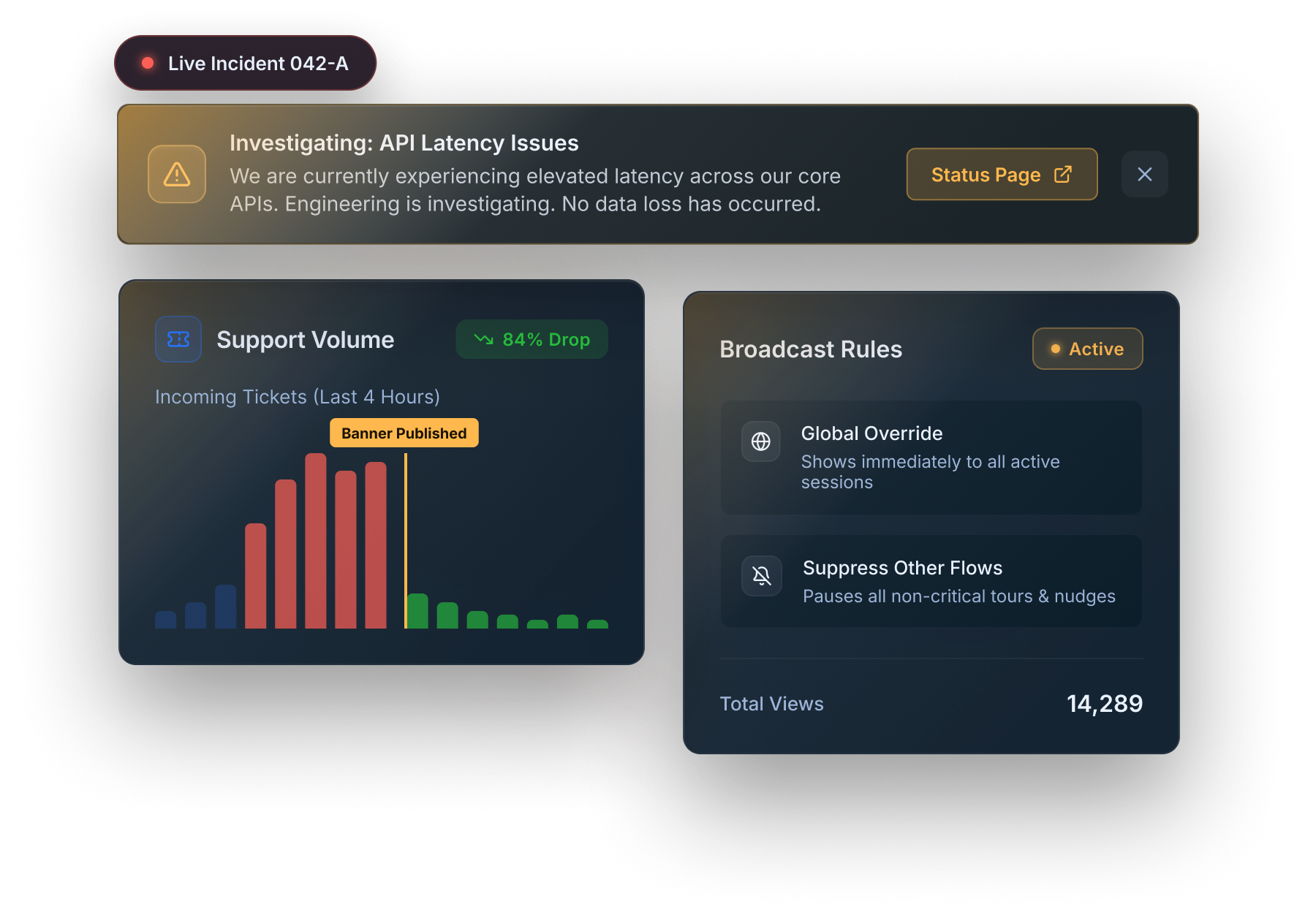
Every minute your status page isn't visible inside your product, another ticket arrives. Users assume it's a bug they caused.
📤
Email updates arrive too late
By the time your incident email reaches users, half have already opened a support ticket. In-app is 6x faster.
😤
Users feel abandoned during outages
Silence during an incident is the worst thing you can do. Informed users wait. Uninformed users churn.
Site-Wide Banners
Broadcast Status Updates Across Your Entire Product Instantly.
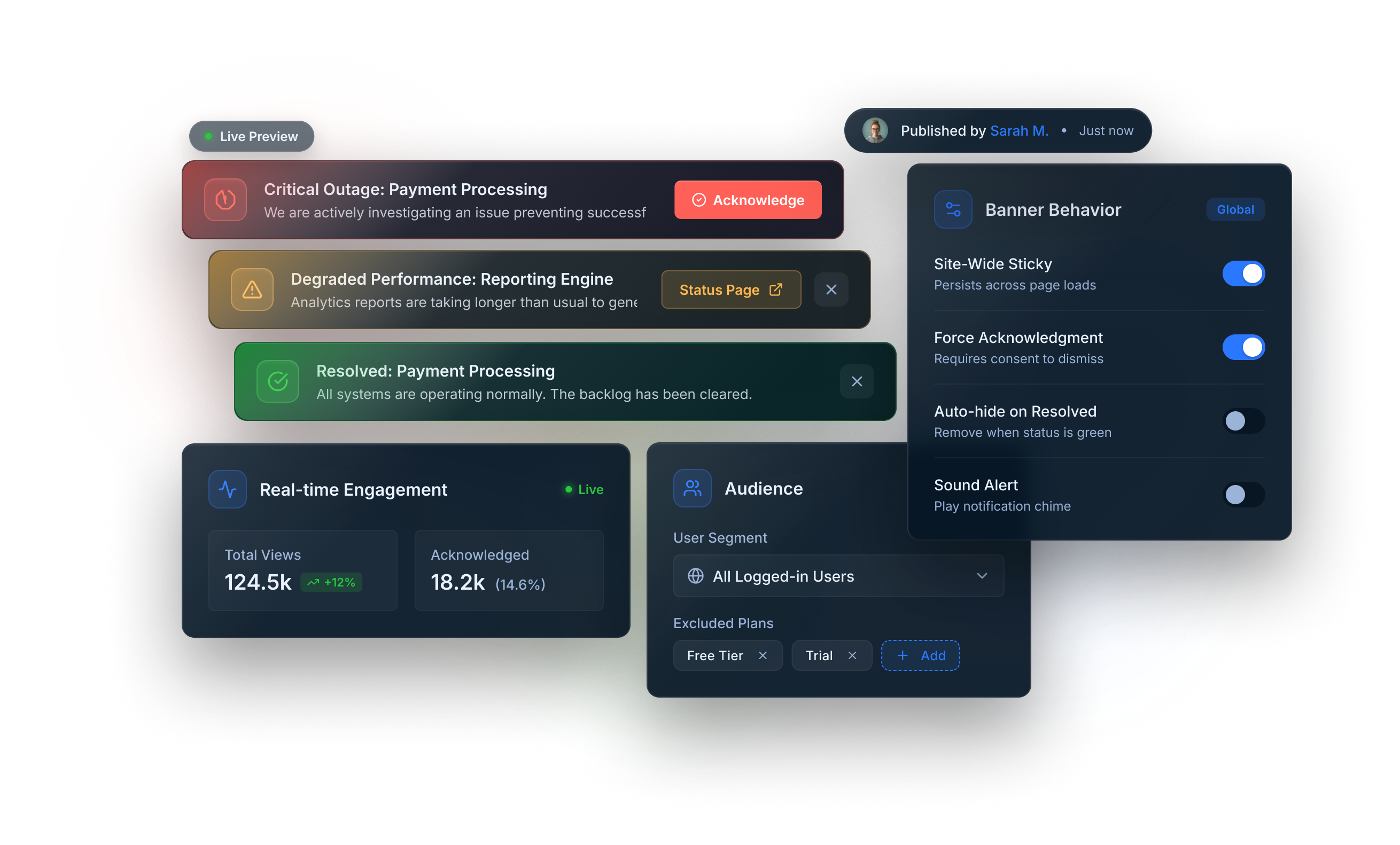
Publish a site-wide banner in under 5 minutes. It appears for every user in your product, in real time, without a deploy. Take it down the moment you're resolved.
Site-Wide Sticky Banner
A top-of-screen persistent bar that every user sees immediately, regardless of what page they're on.
Severity Styling
Red for outages, yellow for degraded performance, green for resolved. Users understand status at a glance.
One-Click Dismiss or Acknowledge
Let users dismiss the banner once acknowledged, or force acknowledgment before proceeding.
Scheduled Maintenance
Pre-Schedule Maintenance Windows Without Touching Code.
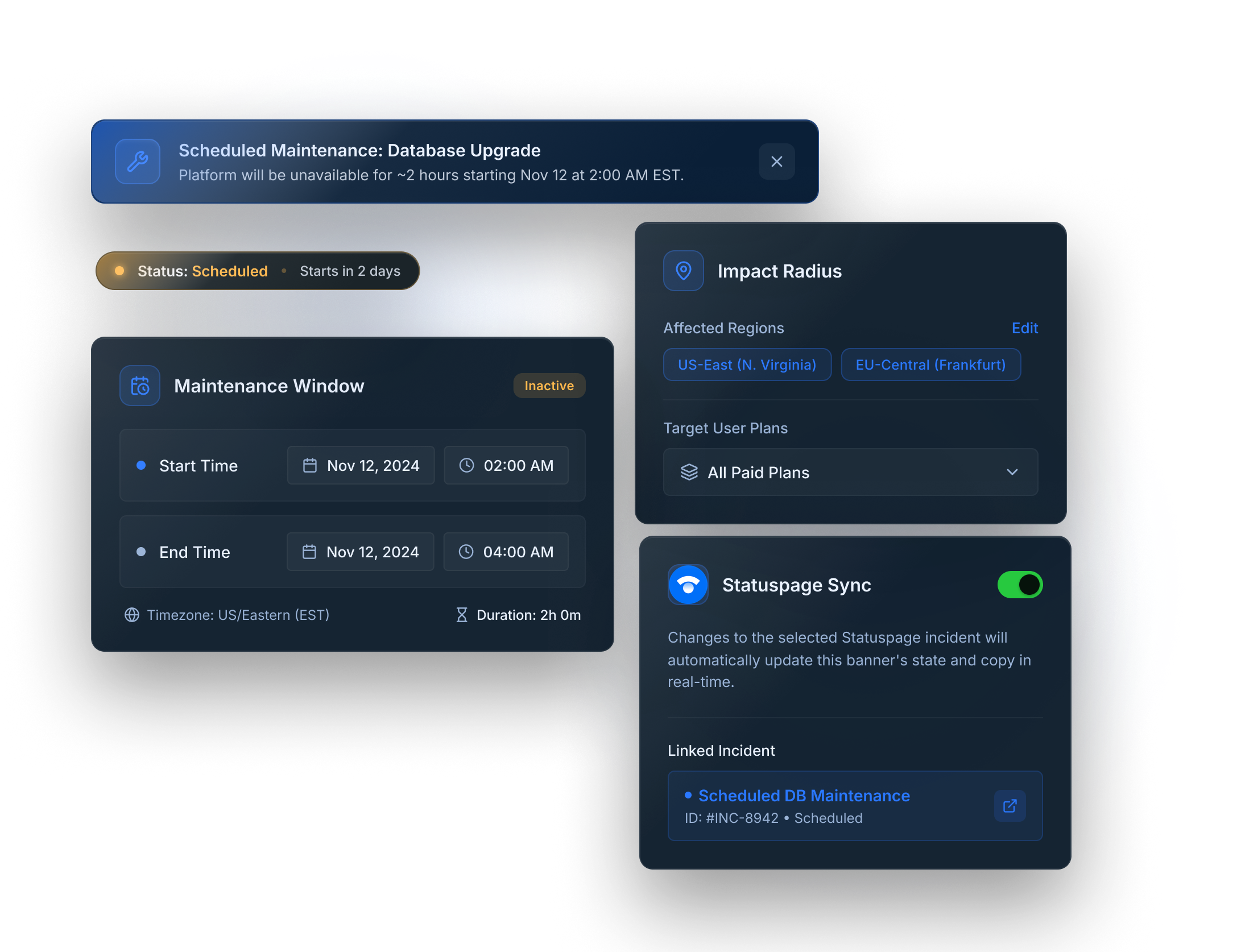
Set a banner to appear automatically at your maintenance start time and disappear when it ends. No deploys, no developer involvement, no missed communication.
Scheduled Start and End
Set exact start and end timestamps. The banner publishes and removes itself without any action from you.
Target by Region or Plan
Only notify affected users. Don't alarm customers whose region is unaffected.
Statuspage.io Integration
Sync your Guidez banners with Statuspage incidents automatically. One update, two channels.
73%
fewer support tickets during incidents
4.5 min
average time to publish status update
92%
user acknowledgment rate within 10 min
"We had a major outage last quarter. Because we had a Guidez banner live in 4 minutes, we got exactly 11 support tickets instead of the usual 300+."
Daniel Marsh
Engineering Manager, Vaultly
The Guidez Features Behind Notify for Downtime.
Everything you need is already included in every plan.
Free forever for small teams · No credit card · Cancel anytime
FAQ
Frequently asked questions about downtime notifications
Guidez in-app banners let you instantly publish a targeted downtime notification to all users — or specific segments — without any engineering involvement. Publish a banner in under 2 minutes, target it by plan or role, and auto-dismiss it when the incident is resolved.
The best maintenance communication combines in-app banners (for users actively in the product), email (for offline users), and status page updates. Guidez handles the in-app layer — you can publish scheduled maintenance banners with a countdown or live incident banners in real time.
Yes. Schedule Guidez banners with a specific end time and they automatically stop displaying when the downtime window closes — no manual unpublishing required. You can also manually archive a banner from the dashboard at any time.
Use Guidez targeting rules to show banners only to users on affected plans, in affected regions, or using specific features. If a database issue only affects users with data export features, target only that segment — everyone else sees a clean, uninterrupted experience.
Yes. Create separate banners with different messaging for different plan tiers. Paid users might see detailed impact information and a compensation note; free users might see a simpler status message. Guidez targeting makes this a 5-minute setup, not an engineering project.